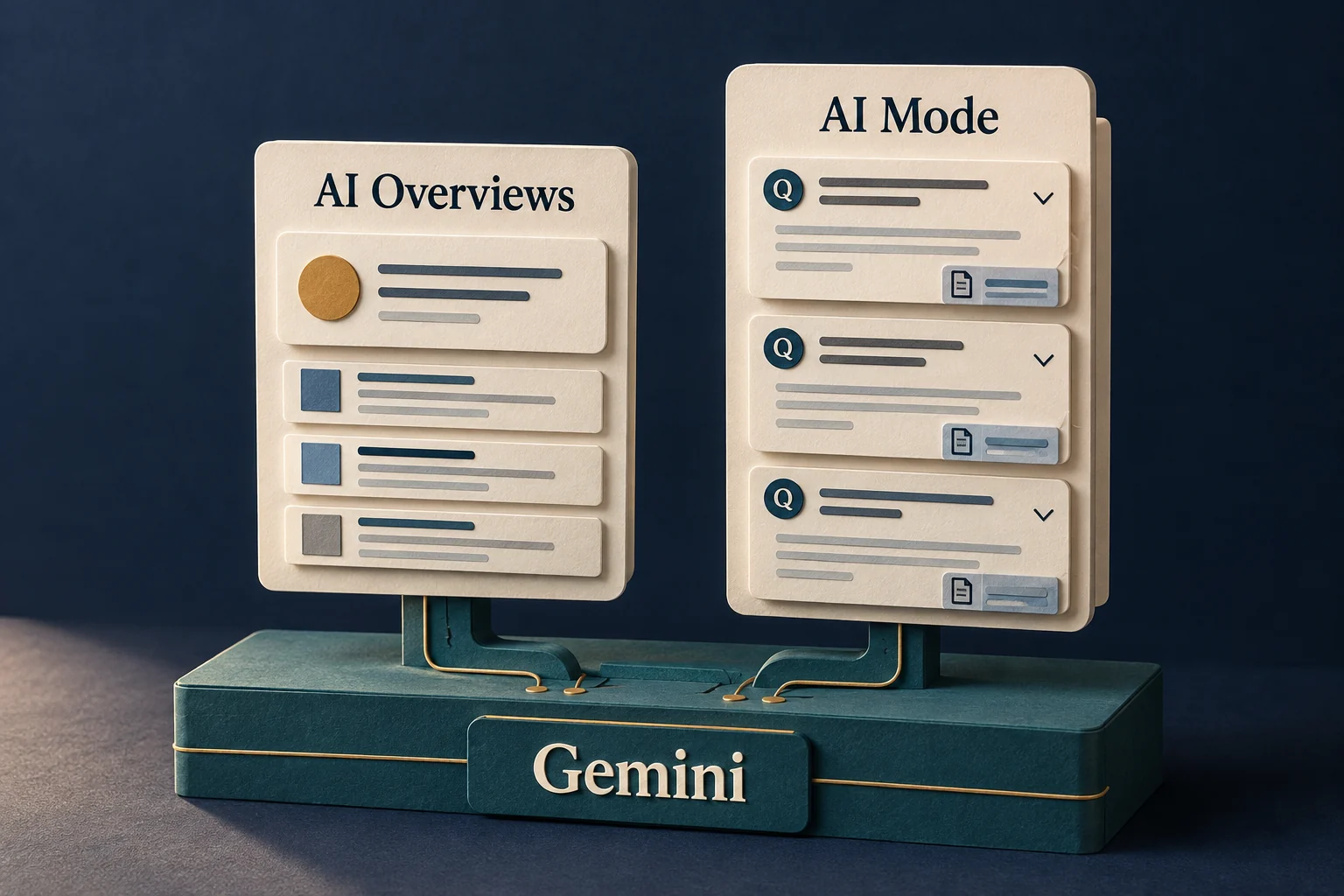
You ask Google a question, get an AI answer, and then see another button inviting you into AI Mode. Meanwhile, there is a separate app called Gemini. The names make this more confusing than it should be.
Gemini refers both to Google’s AI models and to an app you can open. AI Overviews and AI Mode are experiences inside Google Search. Treating all three as competing chatbots makes the choice harder than it needs to be.
Gemini powers these tools.
It is also the name of an app.
A family of models used across Google products.
Gemini app
A place to chat, draft, and work with information you provide.
AI search experiences
AI responses alongside ways to explore the web.
Where you start makes the difference.
Imagine you’re choosing software for a small support team. At first you want to understand a term. Then you need to compare options. Later, you have a proposal to write. That is one project, but three different kinds of work.
The examples below are suggestions for where to begin. There is overlap: Gemini can help with research, and AI Mode can handle files and follow-up questions. Neither has exclusive ownership of a task.
Three places you might meet Google’s AI.
AI Overviews
An AI summary can appear when Google considers it helpful, with links to explore.
“What is a help desk?”
AI Mode
Explore a question, compare options, and keep asking follow-ups.
“Compare help desks for five agents.”
Gemini app
Bring a prompt or files and work on drafts, summaries, or plans.
“Use these notes to draft our rollout plan.”
An Overview can be the beginning of a conversation.
The distinction is no longer “one gives a summary, the other allows questions.” In January 2026, Google announced that mobile users could ask a follow-up from an AI Overview and continue in AI Mode, carrying the context with them.
That matters when the first answer helps you discover the question you actually wanted to ask. You can narrow the problem without starting over.
You do not have to start again.
What is a help desk?
AI Overview
A first explanation, with links for more detail.
Ask a follow-up →
Which features matter for a team of five?
A more specific conversation
Keep the context. Add a constraint. Explore the sources.
Using Gemini is different from building with it.
For an individual, an app may be enough. For a product team, the question changes: should customers use an existing tool, or should a capability live inside your own service?
The Gemini API is a developer route to model capabilities. It does not turn your product into Google Search, and it does not remove the work of designing permissions, review steps, or a useful customer experience.
From finding an answer
to making something useful.
Research
Use Search to investigate the problem and follow the evidence.
Prepare
Work with your notes and drafts in an app such as Gemini.
Build, if needed
Use an API when the capability belongs inside your product.
Choose by the job in front of you.
You do not need to pick a permanent winner. Start in Search when you’re investigating something on the web. Try an app when you want a place to develop a piece of work. Consider an integration when the result needs to become part of your own product.
And when the answer affects a decision, open its sources. A clear explanation can still leave out a condition, use an old fact, or misunderstand what a page says.
Sources & notes
- Use Gemini Apps
- Gemini API models
- AI Mode in Google Search
- Google Search Central: AI features and your website
- Google’s January 27, 2026 Search update
Reviewed October 11, 2026. Source dates and limits appear beside the graphics. Diagrams simplify the linked documentation; examples are labeled where they are illustrative. Product capabilities and availability can change.