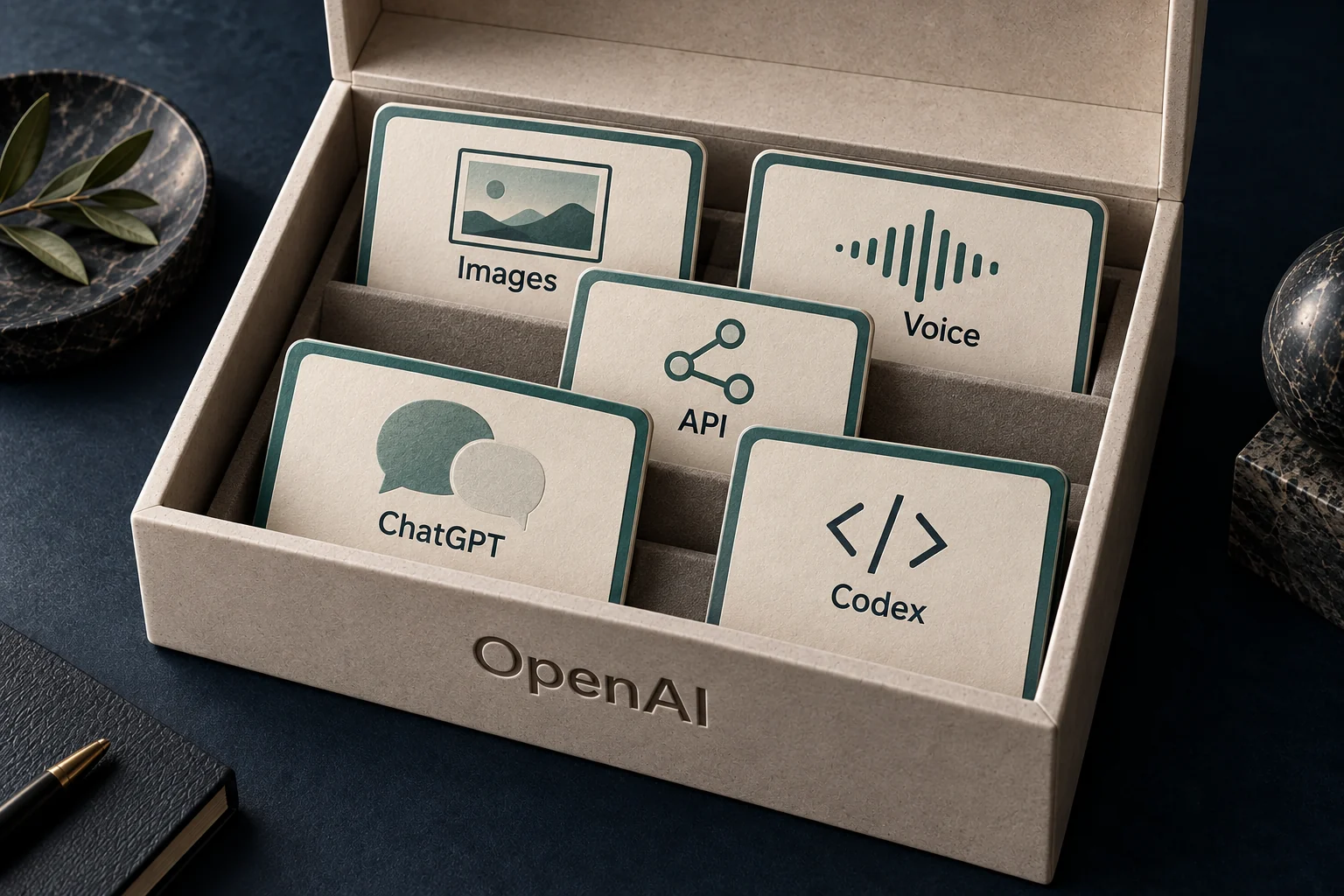
“We should use OpenAI.” In a meeting, that could mean giving the team ChatGPT, testing a model, or building AI into a product. Those are different projects.
The names describe different things. OpenAI develops models and products. ChatGPT brings AI capabilities into an application people can use directly. The OpenAI API lets software request those capabilities as part of another application.
A model is another piece of the picture: the system that processes an input and generates an output. It is not the whole app. The interface, tools, instructions, and information around it affect what someone can actually do.
One company.
Different ways to use its models.
Develops the technology and the products.
Process inputs and generate responses.
ChatGPT
Work in an application with a conversation, files, and available tools.
OpenAI API
Request model capabilities from your own software.
Start with where the work needs to happen.
If a colleague wants help comparing proposals or drafting a reply, ChatGPT gives them a place to start. They can add context, ask follow-up questions, and review the result. Available tools depend on their plan and workspace settings.
If that result needs to appear inside your customer portal, follow your access rules, and become part of an existing process, an API integration may be appropriate. Your application decides what to send to the model and what to do with the response.
This is not an absolute divide. ChatGPT can connect to other tools, and an API-powered product can have a chat interface. The useful question is who should own the experience: a person working in ChatGPT, or your team building a feature into your software?
The same request.
A different place to do the work.
“Help me reply to this customer.”
You bring the context.
- Add the email and instructions
A person supplies the context and asks for a draft.
- Review the reply
Check the details, revise, and decide how to use it.
Your software handles the handoffs.
- Prepare an approved request
Your app checks access and selects the relevant context.
- Request a draft from the model
The API returns a response for your app to handle.
- Show it to the right person
Your app provides review, editing, and sending controls.
The bills answer different questions, too.
With ChatGPT, you choose a plan and work within its access and usage rules. For a standard API integration, you budget for the model usage your software generates. API token prices are separate from subscription usage; they cannot tell you how many tasks a ChatGPT plan includes. OpenAI’s usage guidance →
A token is a unit used to process content; it is not the same as a word. For text requests, input and output can have different rates. That means a short answer can account for a surprisingly large part of a request’s token cost.
One fifth of the tokens.
Half of the token bill.
Assume 1,000 requests, each with 1,000 input tokens and 250 output tokens.
Token volume
1.25 million totalToken cost
$4.00 totalfor these 1,000 requests
See the calculation and download the data
| Component | Tokens | Rate / 1M | Cost |
|---|---|---|---|
| Input | 1,000,000 | $2.00 | $2.00 |
| Output | 250,000 | $8.00 | $2.00 |
| Total | 1,250,000 | — | $4.00 |
Cost = tokens ÷ 1,000,000 × the applicable rate. Output is 250,000 ÷ 1,250,000 = 20% of tokens and $2 ÷ $4 = 50% of token cost.
This example uses standard uncached text rates, with no discounts or additional API features. It is a calculation, not a customer result or a full project quote. GPT-4.1 illustrates the arithmetic rather than a model recommendation. Download the calculation (CSV).
A working demo still needs a working product around it.
The API provides model capabilities. Your team still needs to handle access, protect credentials, test answer quality, manage failures, and monitor usage. OpenAI’s production guide covers that work alongside scaling and security. Read the production guidance →
The Playground belongs in the development process: it is a place to try model requests and settings. A promising test there is evidence to investigate, not a finished feature for customers. The model documentation links to its Playground for experimentation.
For an early pilot, choose one task you can check. A reply-drafting feature, for example, should be judged on whether staff can use the drafts, how often they need to correct them, and the cost of producing an acceptable result.
Training and storage
are separate controls.
Instructions and the context you choose to send.
Off by default
API data is not used to train OpenAI models unless you opt in.
Normally up to 30 days
Default logs may contain prompts and responses; exceptions can require longer retention.
Depends on the feature
Some API features store data to carry out the task.
ChatGPT has its own workspace rules. OpenAI says Business, Enterprise, and Edu workspace data is not used for model training by default. Retention and connected tools still need a separate review. ChatGPT workspace protections →
Choose the smallest useful first step.
A team that needs help with everyday work may be able to start in ChatGPT. A company adding AI to its own service may need an integration. Either way, start with the task, the data it needs, and the person who will decide whether the result is good enough.
That conversation is more useful than asking whether OpenAI or ChatGPT is “better.” One is the maker. The other is one way to put its technology to work.
Sources & notes
- Use ChatGPT
- OpenAI API quickstart
- GPT-4.1 model documentation
- OpenAI API pricing
- ChatGPT usage and pricing
- Data controls in the OpenAI platform
- OpenAI production best practices
- ChatGPT Work cloud security
Reviewed October 11, 2026. Diagrams are editorial explanations based on the linked official documentation. The token-cost chart is a transparent calculation, not a performance benchmark. Product access, pricing, and data controls can change.